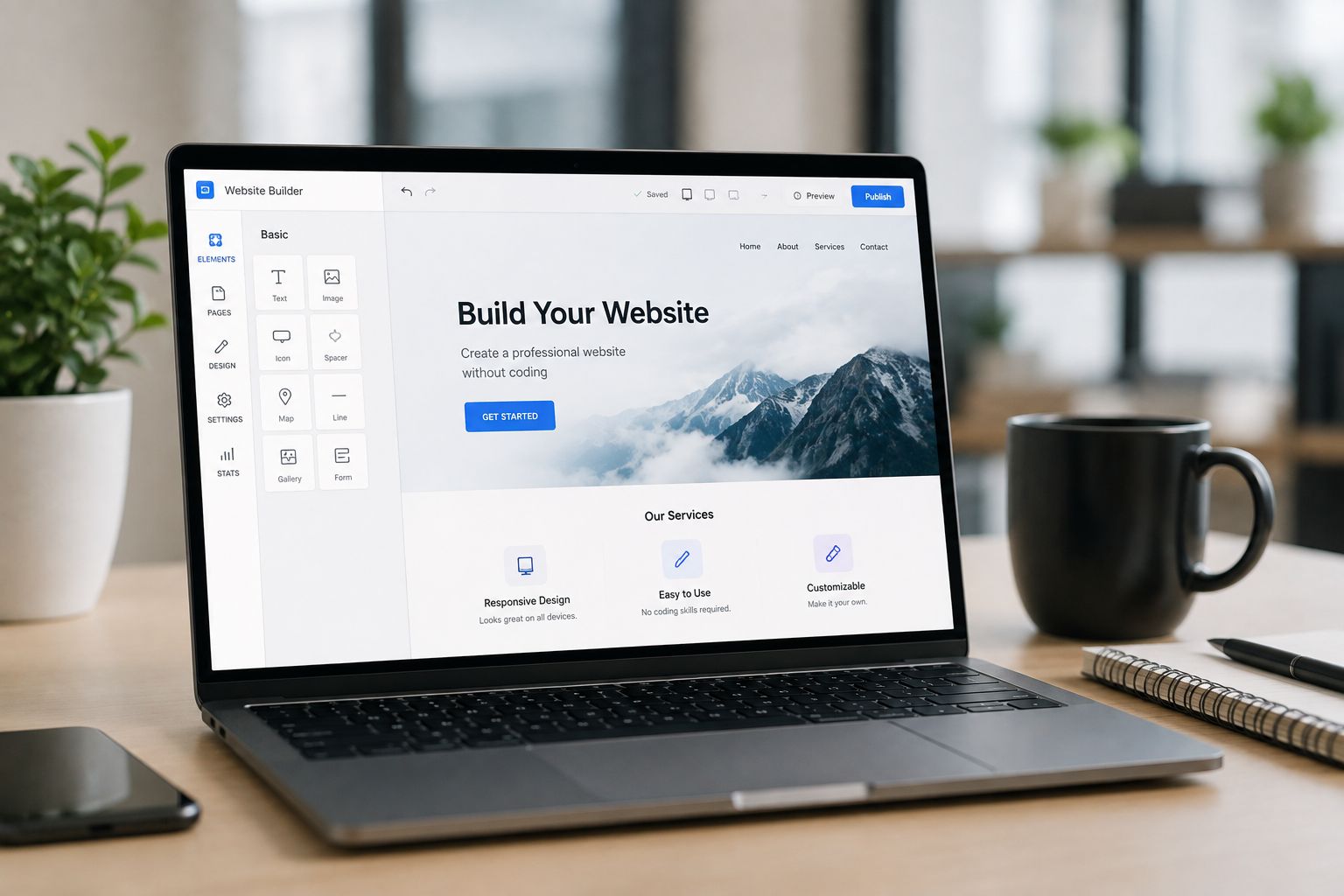
Choosing the best website builders can make or break your online presence. With 85% of consumers researching local businesses online before visiting or buying (BrightLocal, 2023), a clean, responsive site is essential. Today, 40% of small U.S. businesses launch their sites with a website builder instead of custom development (Statista, 2023). And since a majority of all website traffic now comes from mobile devices, picking a builder with strong mobile optimization is key. In this guide, we’ll cover how finding the best website builders helps you boost visibility, attract leads, and grow revenue.
- WordPress, Wix, and Webflow each lead in a different combination of ease of use, design flexibility, and SEO power.
- Switching to a modern, well-optimized builder yields a 55% average increase in leads within six months (HubSpot, 2023).
- All three platforms are genuinely competitive for SEO when set up correctly, from Yoast to built-in SEO tools.
- Pairing a strong builder with Google Ads management typically delivers a stronger return than a DIY site alone.
Overview of the Best Website Builders
What makes the best website builders stand out? Small-business owners rank four criteria above all:
Three Platforms Rise Above the Rest
Each brings unique strengths for small businesses seeking the features that drive lead generation and improve digital marketing ROI.
- WordPress – the open-source leader with infinite plugins and themes
- Wix – drag-and-drop simplicity with built-in business tools
- Webflow – designer-focused control and clean code export
- Ease of Use — 90% say an intuitive drag-and-drop editor is a top priority (HubSpot, 2024)
- Customization Options — 92% of marketers need layout and code control for brand identity (Search Engine Journal, 2023)
- Pricing Transparency — 70% demand clear pricing tiers and 24/7 support (WordStream, 2023)
- Vendor Support — access to tutorials, live chat, and community forums
Want to turn clicks into real customers? Let our certified specialists manage your Google Ads campaigns to maximize ROI and lower your cost per lead.
Contact Our Google Ads TeamWordPress vs Wix vs Webflow: Detailed Comparison
To make an informed decision, compare these builders on four pillars: ease of use, design flexibility, SEO optimization, and pricing.
Ease of Use
- Wix – over 200 million users enjoy its WYSIWYG editor and guided setup (G2, 2024)
- Webflow – designers rate it 4.6/5 for pixel-perfect control, though the learning curve is steeper (G2, 2024)
- WordPress – a moderate challenge out of the box; 60% of users install page-builder plugins like Elementor or WPBakery to simplify design (WordPress.org, 2023)
Design Flexibility
- WordPress – over 9,000 free and premium themes; unlimited customization via code and plugins (WordPress.org, 2024)
- Wix – more than 800 templates created by professional designers (Wix, 2024)
- Webflow – 200+ responsive layouts; a blank canvas for complete design control (Webflow, 2024)
SEO Optimization
- WordPress – powers 43% of all websites and integrates seamlessly with Yoast SEO, used by over 5 million sites for on-page optimization (Yoast / W3Techs, 2024)
- Wix – 94% of Wix-built sites achieve "good" or "very good" scores on Google PageSpeed Insights; includes SEO Wiz for guided optimization (Wix, 2023)
- Webflow – achieves an average Lighthouse SEO score of 92/100 thanks to auto-generated sitemaps, clean code, and customizable meta tags (Webflow University, 2023)
Pricing Plans
See our Website Design page for detailed plans and support.
- WordPress (self-hosted) – hosting starts from $3.95/month, with total costs averaging $10–$15/month (Bluehost, 2024)
- Wix – Business Basic $23/month; Business Unlimited $27/month (Wix, 2024)
- Webflow – Basic $15/month; CMS $20/month; Business $45/month (Webflow, 2024)
Key Features of Website Builders
Getting to know each builder’s standout features helps you match the right tool to your goals.
WordPress
- Open-source CMS powering 43% of the web (W3Techs, 2024)
- Over 59,000 plugins for SEO, e-commerce, performance, and security (WordPress.org, 2024)
- Scalable for enterprise sites, membership portals, and custom applications
Wix
- Drag-and-drop editor with content blocks and pre-built animations
- 300+ apps in the Wix App Market for chat, bookings, and email marketing (Wix, 2024)
- Built-in business tools like Wix Stores, Bookings, and Restaurants
Webflow
For professional site launch and design guidance, explore our Web Design services for expert support and ongoing optimization.
- CSS-style visual editor with custom animations and grid controls
- Native CMS for blogs, portfolios, and dynamic content collections
- Clean, exportable code plus integrated staging and hosting
Selecting the Best Website Builder for Your Business
Local business needs often differ from national brands. Here’s how to choose a platform that drives leads, calls, and revenue in your market.
Consider Local SEO and User Behavior
- A large share of Google searches look for local information, and a majority of people visit a store within five miles of their search (Google, via Search Engine Roundtable, 2018 / HubSpot)
- WordPress + Yoast Local SEO plugin, Wix SEO Wizard, or Webflow custom schema markup all boost local visibility
Drive Business Outcomes
To amplify your reach, pair your site with our SEO services and targeted Google Ads management.
- Switching to a modern website builder yields a 55% average increase in leads within six months (HubSpot, 2023)
- Clients combining their builder with Google Ads management see two times higher ROI than DIY sites alone (WordStream, 2023)
Best Practices: Optimization & SEO
Implement these simple, effective strategies to improve performance, speed, and search visibility.
1. Optimize for Mobile
- A majority of web traffic is mobile, and Google uses mobile-first indexing as the default
- Test with Google’s Mobile-Friendly tool and ensure clickable buttons and legible text
2. Enhance Loading Speed
- A 1-second delay in page load can cut conversions by 7% (Akamai)
- Aim for under 2 seconds: use image compression (e.g., WebP), lazy loading, and a CDN
3. Apply SEO Best Practices
For a deep-dive audit and ongoing enhancements, check out our SEO Optimization services.
- 68% of online experiences start with a search engine (BrightEdge, 2023)
- Implement structured data, optimized title tags, internal linking, and publish high-quality, locally-focused content
Frequently Asked Questions
Conclusion
Choosing among WordPress, Wix, and Webflow boils down to your priorities: plugins and scalability, drag-and-drop ease, or design control and clean code. All three platforms can boost your small business’s online visibility, drive leads, and improve ROI when paired with strong local SEO and paid search strategies.
Key Takeaways:
Match your business needs (e-commerce, bookings, or content) to the platform’s core strengths. Prioritize mobile optimization, loading speed, and on-page SEO for maximum search visibility. Leverage local SEO tools in each builder to capture nearby audiences. Trial your top choices to assess ease of use, support, and total cost of ownership.
Pricing for WordPress, Wix, and Webflow changes periodically, so always confirm current rates on each platform’s official pricing page before deciding. Ready to take the next step? See our Website Design page and start scaling your digital presence today!
Sources
- BrightLocal. (2023). Local Consumer Survey 2023.
- Statista. (2023). Website Builder Usage Statistics.
- HubSpot. (2024). Website Builder Statistics and Insights.
- Search Engine Journal. (2023). Top Website Builder Features for Small Businesses.
- WordStream. (2023). Website Builder Features and Pricing Transparency.
- G2. (2024). Wix Reviews and User Ratings.
- G2. (2024). Webflow Reviews and User Ratings.
- WordPress.org. (2023). Popular Page Builder Plugins.
- WordPress.org. (2024). WordPress Themes Directory.
- Wix.com. (2024). Wix Templates Library.
- Webflow.com. (2024). Webflow Templates Overview.
- Yoast. (2024). Yoast SEO Plugin Overview.
- Wix SEO. (2023). Wix SEO Wiz and Optimization Tools.
- Webflow University. (2023). SEO Best Practices and Tutorials.
- Bluehost. (2024). WordPress Hosting Plans.
- Wix.com. (2024). Wix Business Plan Pricing.
- Webflow.com. (2024). Webflow Pricing Plans.
- W3Techs. (2024). WordPress Market Share and Usage Statistics.
- WordPress.org. (2024). Plugin Directory Overview.
- Wix.com. (2024). Wix App Market Features.
- HubSpot. (2023). Website Redesign Statistics.
- WordStream. (2023). Google Ads ROI and Performance Insights.
- Akamai. State of Online Retail Performance Report.
- BrightEdge. (2023). SEO Trends and Search Engine Statistics.
- Google, via Search Engine Roundtable (2018). Google Event: 46% Of Searches Have Local Intent.
- HubSpot. 16 Stats That Prove the Importance of Local SEO.